What You'll Need
- Midjourney (for image generation)
- Runway or Pika Labs (for turning images into short AI videos)
- Optional: ChatGPT (for helping kids describe characters or stories)
Set Expectations
- Uploading a reference image gives better results, but may retain clothing from the photo — even if the prompt says otherwise.
- Sometimes the first result is the best — especially when colors and shapes from the original photo influence the outcome.
Alternatives
- Free Option: Use Craiyon or Artbreeder instead of Midjourney — fun, not as good quality.
- No-image option: Let kids describe themselves and generate everything using text-to-video tools like Kapwing AI, though results are less controlled.
How to Do It
Option 1 (Easier): From Text to Video
Best for younger kids who love to describe themselves or cartoon figure!
Step 1: Ask your child to describe themselves or their favorite cartoon figure in their “dream look”
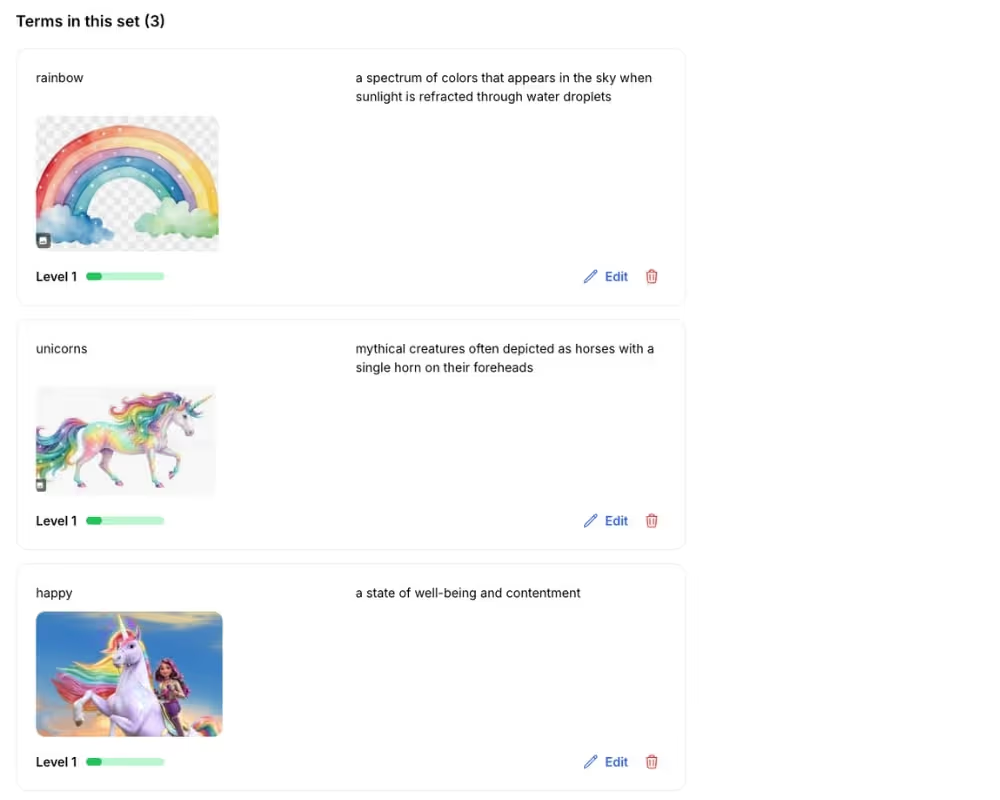
Example: “I have sparkly wings, purple boots, and fly on a unicorn in the clouds.”

Step 2: Optional: Use ChatGPT to refine this into a short video description prompt
Ask: “Can you turn this into a text-to-video prompt for a fairy-tale scene?”
Step 3: Paste this into your text-to-video tool (Runway, Pika, Kapwing AI)
Watch their eyes light up as their imagination comes alive.
Option 2 (More Control): Use Midjourney + Reference Image
Step 1: Take or select a clear photo of your child
Preferably front-facing, well-lit, and with simple clothing.
Step 2: Write a Midjourney prompt like:
“A cartoon version of a girl in a beautiful dress riding a unicorn, Disney-style, soft lighting, pastel colors”
AI can often retains clothing colors from the reference image. Try multiple versions if needed.

Step 3: Use “image + prompt” feature in Midjourney
Pro Settings (Optional): Midjourney v7 lets you adjust how wild or realistic the results are:
Step 4: Choose the best image and upload it to an image-to-video tool
dd slight animation to create a magical short scene.Explain that AI doesn’t “think” — it just copies patterns. That’s why it still shows the same dress from their photo, even when told not to. This opens up a conversation about how bias and data shape AI.
More AI STEM PLAY
- Turn the AI image into a custom birthday invite
- Ask kids to draw what they see, adding their own twist
- Let them describe a new ending to the scene: What happens next?

Derivatives, then startups — Hong Kong, London, Shanghai, now the Bay Area. MSc, LSE. Had my daughter at 40.


-min.avif)