



Quick picks
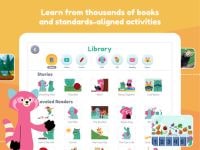
Best free app (ages 2–8): Khan Academy Kids — free, ad-free early learning
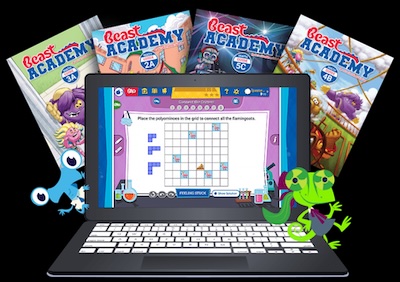
Best for ages 6–11 (math/logic): IXL Math, or Beast Academy for gifted learners
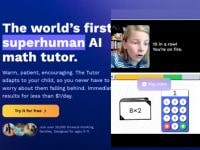
Best for homework help: ChatGPT Study Mode or Photomath (13+); under 13, Khanmigo ($4/mo) with a parent
Best for coding & AI: ScratchJr (5–7) and Google Teachable Machine (8+) — both free
Best for language learning: Duolingo (7+)
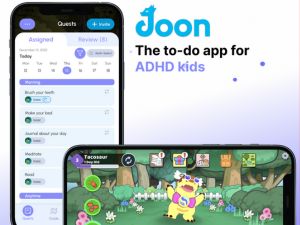
Best for neurodiverse / ADHD support: EndeavorRx (FDA-authorized), Joon
Best for ages 6–11 (math/logic): IXL Math, or Beast Academy for gifted learners
Best for homework help: ChatGPT Study Mode or Photomath (13+); under 13, Khanmigo ($4/mo) with a parent
Best for coding & AI: ScratchJr (5–7) and Google Teachable Machine (8+) — both free
Best for language learning: Duolingo (7+)
Best for neurodiverse / ADHD support: EndeavorRx (FDA-authorized), Joon
On this page
Kid-Safe App Checklist: Privacy & Access
Every app below is checked for four things before it goes on this list. The ones we'd keep off a young child's device are at the bottom. Have you used any of the app, share with us what you know
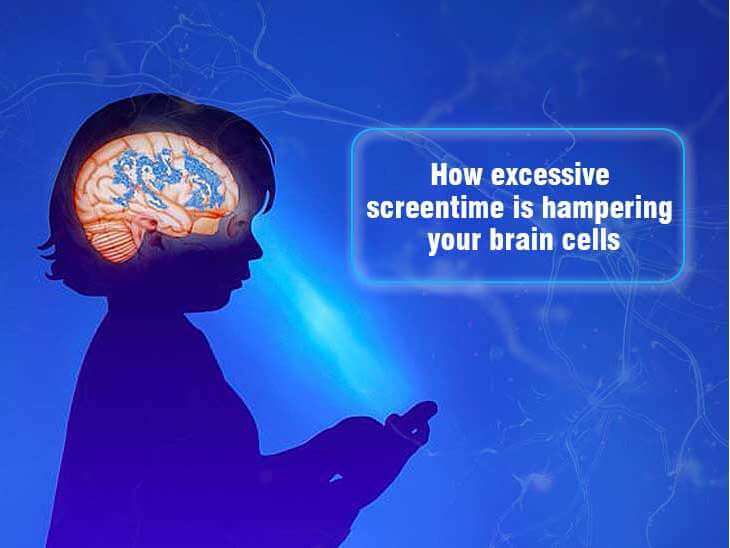
We do not recommend app-based learning before age 4, regardless of an app's own listed minimum age. The neuroimaging research on screens and young children reveals significant risks, which has even led to recent government screen bans in Denmark.
AI Math Learning Apps &Tutors
In today’s climate we want to keep our kids' childhood pure and gentle.We have therefore chosen not to include any apps that contain combat, violence, zombies, spells, or similar themes. Those titles are not listed here. For more ideas, head to our post learn math fast for details.P.S Some math apps were grouped under AI Homework Helper tools page.
🏆 Top 3 Picks - Build High Logic & Strategy

🌱 Confidence Builders (Low Stress & Habit-Forming)


📝 Homework & Exam Lifelines


📝 Everyday Fluency Boosters
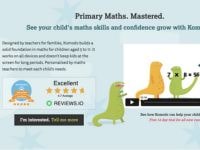
AI Homework Helper
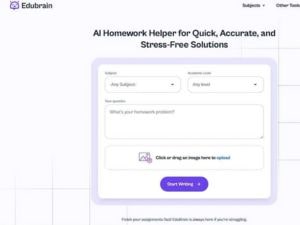
The greatest risk of AI homework tools is the "Answer-First" trap, which stops the brain from doing the hard work of learning. We look for tools that act like a Socratic tutor—asking questions and providing hints rather than just giving the result. 👉 Explore best AI homework helper for your child's needs.
📚 Subject-Specific Tutors for Deep Learning


📑 Research & Writing Partners


AI Coding & Machine Learning Apps
Artificial Intelligence is changing how children interact with technology, moving them from passive consumers to active creators. Hands-on coding and machine learning apps pull back the curtain on complex tech, allowing kids to train models and build interactive projects through simple, visual interfaces. Exploring these tools helps children develop critical thinking and problem-solving skills, transforming abstract computational concepts into a fun, tangible playground for future-ready learners.
🔮 Future Architects: Mastering Logic


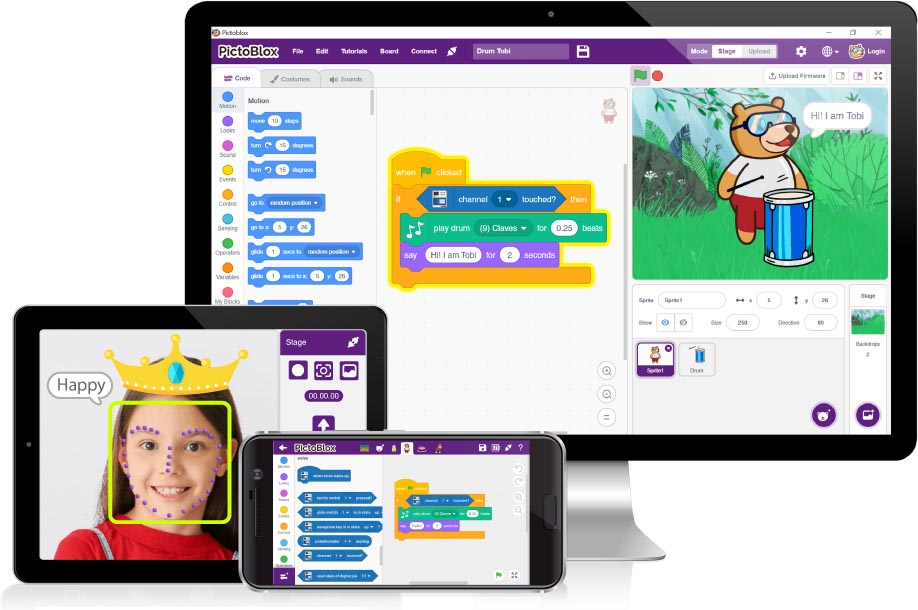
👷🏼 Build Digital Worlds & 3D Building


30-second quiz
Which AI apps fit your kid's age?
Answer a few questions and we'll send you what you're actually looking for.

Drawing, Music & STEM Tools for Kids
We include advanced tools here because kids can use them for storytelling and imagination practice—with adult supervision required. Preview everything to keep it pure and safe! Between camp sessions, a simple home routine keeps the momentum going — try this 3-week no-prep STEM plan.

👨🏼🎨 Advanced Designing & Building

-min.jpg)


📝 Require Parents' Supervision


Critical Thinking in the Age of AI



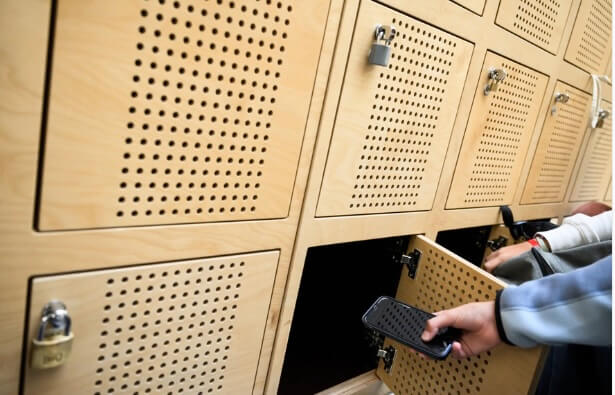

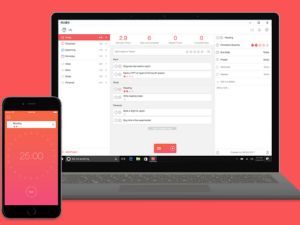
Neurodiverse Kids & ADHD Support
The digital world can easily be a source of overstimulation. While these tools provide much-needed structure, they also carry a high risk of "dopamine looping"—where a child becomes addicted to the virtual reward rather than the actual skill. We prioritize apps that are utility-first, meaning they exist to solve a problem and then get out of the way.
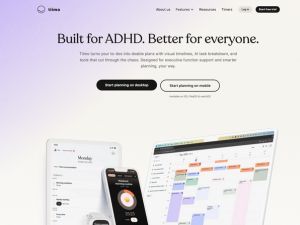
🧠 Focus, Attention & Routine Builders
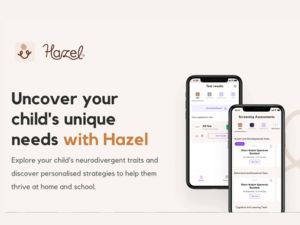
📑 Communication & Social-Emotional Support
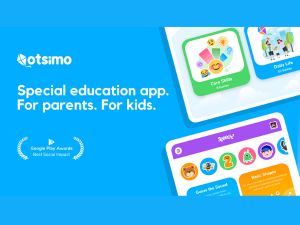

Disclaimer: This guide compiles information from publicly available reviews and informal community feedback. Experiences and opinions can vary widely, do your own reserach.
Best AI Language Learning Apps for Kids
Learning a language should feel like exploring a new world, not memorizing a dictionary.
For younger children, we prioritize apps that use "comprehensible input"—teaching through stories and play rather than translation. A reminder for parents: Many popular language apps use "streaks" and aggressive notifications to keep kids hooked. If you notice your child is more interested in the "points" than the words, it might be time for a break.
Other notable mentions are Rosetta Stone for older kids, Mondly Kids that usesaugmented reality and voice recognition to create a personalized learning path. Babbel - a structured, methodical approach with clear grammea explainations.
For younger children, we prioritize apps that use "comprehensible input"—teaching through stories and play rather than translation. A reminder for parents: Many popular language apps use "streaks" and aggressive notifications to keep kids hooked. If you notice your child is more interested in the "points" than the words, it might be time for a break.
Other notable mentions are Rosetta Stone for older kids, Mondly Kids that usesaugmented reality and voice recognition to create a personalized learning path. Babbel - a structured, methodical approach with clear grammea explainations.
🗣️ Everyday Language Practice


🏫 Structured Language for Kids Age 9+


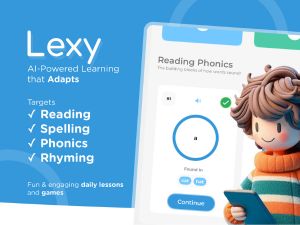
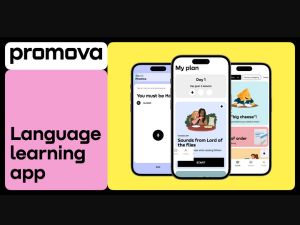
30-second quiz
What's actually right for your kid?
Tell us your kid's age and interests. We'll send what fits.
Make a learning app or tool?
Send it to us for a free, honest review, or reach parents with a clearly marked placement.
Work with us →


-min.avif)